Dictation
Speak naturally.
Start dictation from the TapTalk keyboard. The main app records and runs local speech recognition on your iPhone, then the keyboard inserts the result where your cursor already is.
TapTalk is a private writing keyboard for people who speak faster than they type. Dictate locally, translate, refine selected text, save reusable snippets, capture notes, and bring them back in the apps where you write.
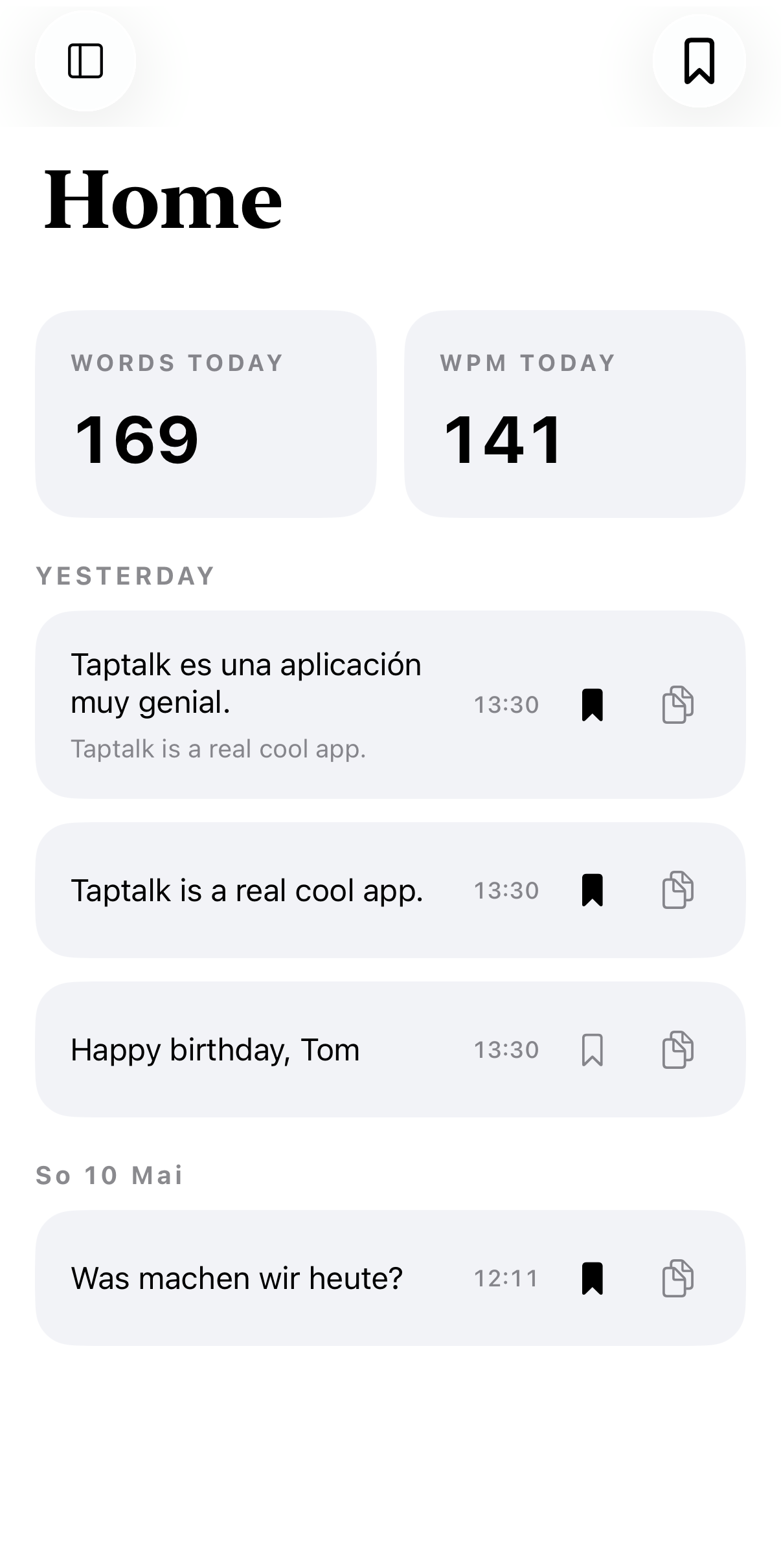
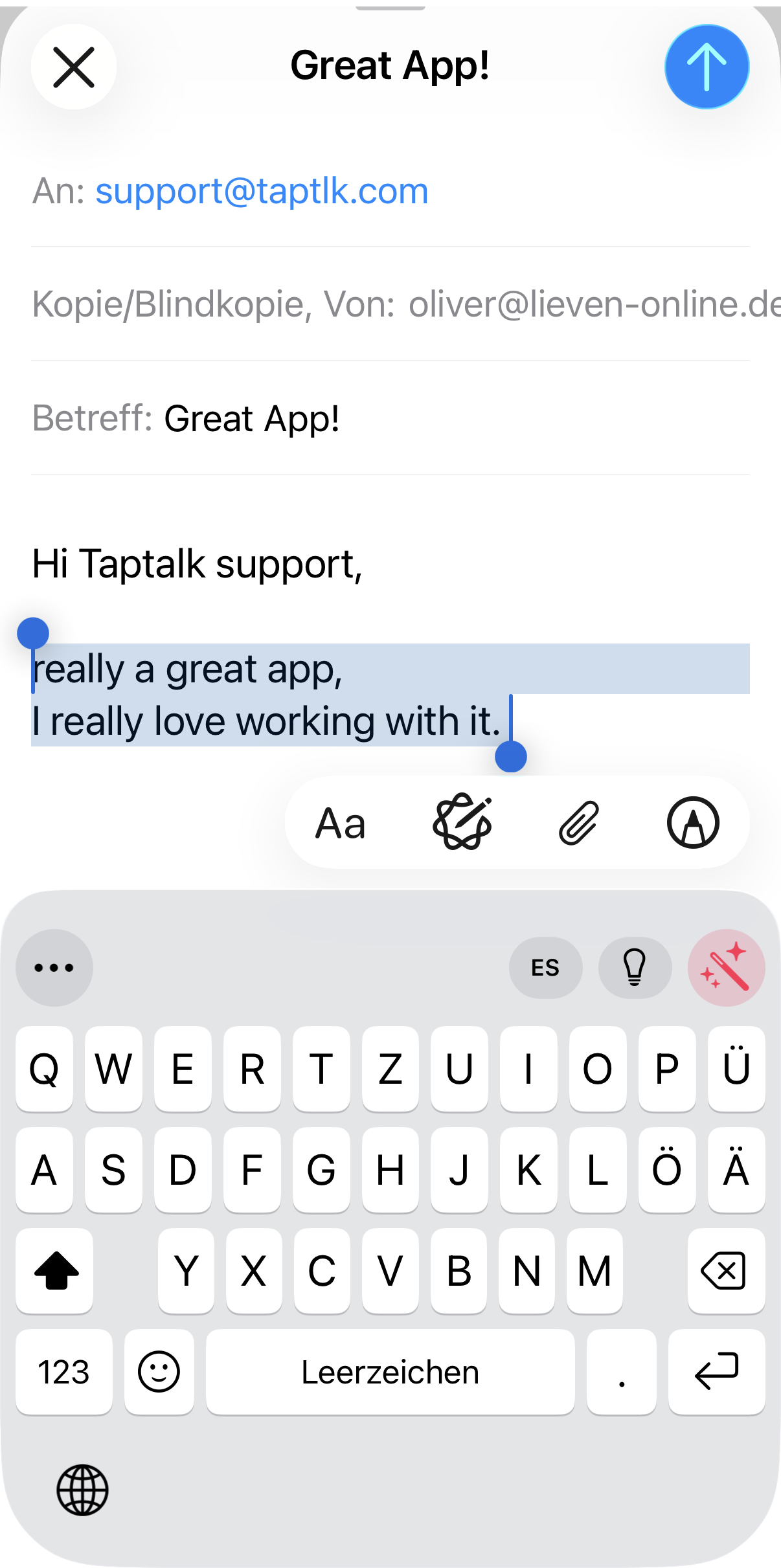
TapTalk turns the iPhone keyboard into a place for dictation, translation, Refine presets, snippets, notes, history, and personal spellings. Dictation runs locally; translation and Refine can run on device when the required Apple language models are available.
Start dictation from the TapTalk keyboard. The main app records and runs local speech recognition on your iPhone, then the keyboard inserts the result where your cursor already is.
Speak in German, English, French, Spanish, Italian, Portuguese, Dutch, or Polish and let Apple Translation prepare the target text. With the required language package downloaded, translation can run on device.
Select text in a host app, open TapTalk, and use saved Refine presets or spoken instructions to make it clearer, shorter, more professional, or translated.
Insert signatures, addresses, prompts, dates, clipboard values, saved images, and common replies from the keyboard or by using voice commands.
iOS keyboard extensions cannot reliably access the microphone on their own. TapTalk splits the work: the main app owns recording, local offline speech recognition, translation, and readiness; the keyboard handles status, controls, insertion, snippets, history, notes, and Refines.
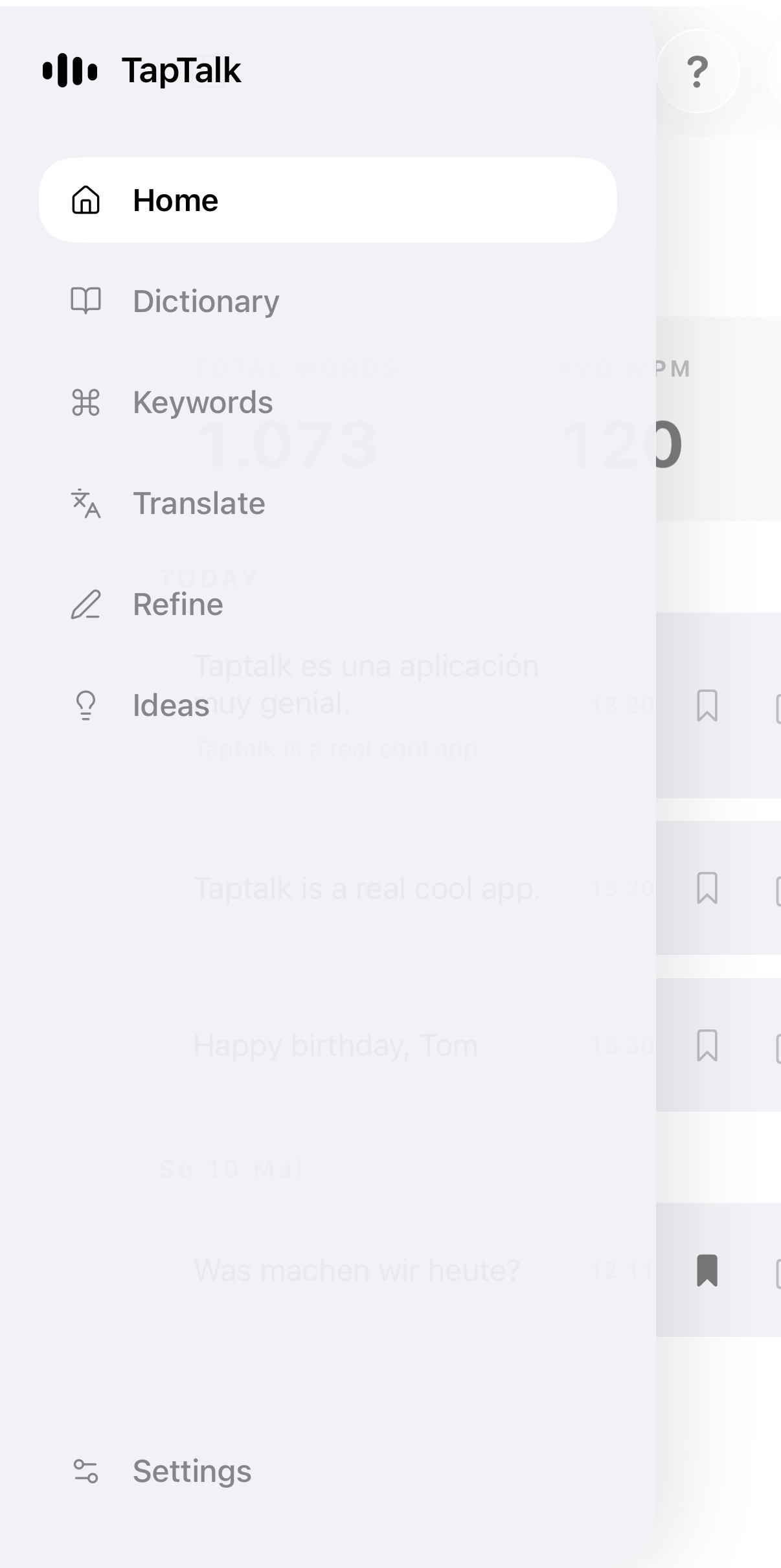
TapTalk keeps the parts of your writing workflow together: what you say, what you reuse, what you correct, and what you want to save for later.
Capture a thought from the keyboard without inserting it into the current app. Reuse it later or turn it into a keyword.
Find recent dictations and inserted text from the app or the keyboard, then copy, reuse, save, or delete entries.
Store preferred spellings for names, product terms, abbreviations, and domain vocabulary so TapTalk can correct them locally.
Turn spoken phrases into punctuation, dates, custom replacements, or saved keyword content.
Use QWERTY or QWERTZ, suggestions, autocorrection, haptics, sounds, emoji, symbols, and left- or right-handed action rows.
Start free. Pro is available in the app as a monthly subscription; final pricing is shown by the App Store before purchase.
TapTalk's dictation engine runs locally on the device. Audio and transcripts are not uploaded to TapTalk for transcription. Keywords, notes, history, dictionary entries, replacements, and settings are stored in the local App Group container.